
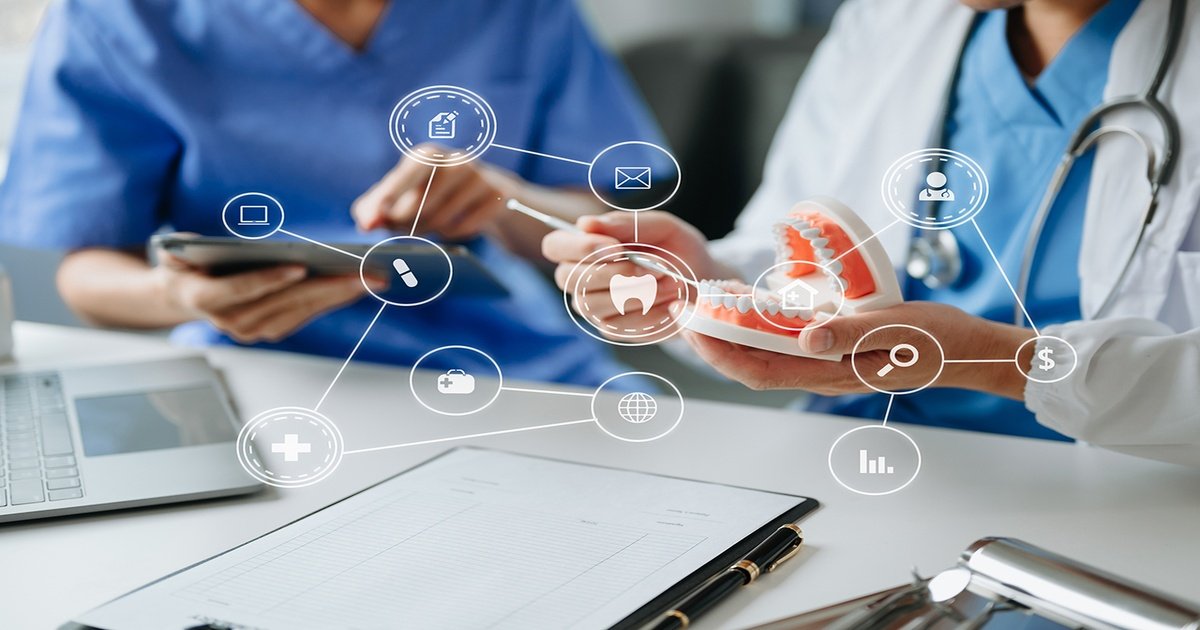
If you are a dental student, a new graduate planning to open your first clinic, or an experienced practitioner still relying on paper appointment books, you have likely heard the term “Dental Practice Management Software” (DPMS).
It sounds technical, perhaps a bit intimidating, and definitely expensive. You might be asking yourself: “Do I really need this? Can’t I just use a physical register and Excel sheets like doctors did 20 years ago?”
The short answer is: You can, but you will be working harder, earning less, and stressing more.
In the modern world, running a dental clinic without management software is like trying to drive a car without a dashboard. You might move forward, but you won’t know how fast you are going, how much fuel is left, or if the engine is overheating until it is too late.
This guide is designed for complete beginners. We will strip away the jargon and explain exactly what Dental Practice Management Software is, how it works, and why it is the single most important investment for your clinic after your dental chair.
Part 1: The Definition
What Exactly is Dental Practice Management Software?
At its simplest level, Dental Practice Management Software is a digital platform designed to handle the day-to-day operations of a dental clinic. It acts as the “central nervous system” of your practice.
In the old days, a clinic had several separate systems:
- A big book for appointments.
- A filing cabinet for patient history and X-rays.
- A receipt book for payments.
- A notepad for stock lists.
DPMS combines all these separate elements into one computer program. It allows the dentist, the receptionist, and the clinic manager to access patient data, schedule appointments, bill patients, and track business growth from a single screen.
Whether you run a single-chair clinic or a multi-specialty hospital, this software bridges the gap between the clinical side (treating teeth) and the business side (making money and managing staff).
Part 2: The Core Functions
What Does the Software Actually Do?
For a beginner, the capabilities of modern software can seem endless. However, most software revolves around four main pillars. Here is what you will be using it for 90% of the time:
1. Administrative Management (The Front Desk)
This is where the patient journey begins.
- Smart Scheduling: instead of scribbling names in a book, you click a time slot. The software prevents double-booking and can automatically send SMS or WhatsApp reminders to patients so they don’t forget their appointment.
- Patient Registration: New patients can fill out their medical history on a tablet or their phone before they even arrive. No more deciphering bad handwriting on paper forms.
2. Clinical Management (The Doctor’s Station)
This is the digital version of the patient’s file.
- Digital Charting: You see a 3D diagram of the teeth. If a patient needs a filling on the upper right molar, you click that tooth and select “Composite Filling.” It is faster and looks professional.
- Electronic Health Records (EHR): You can store medical history, allergies, and past prescriptions. The software will alert you if you try to prescribe a drug the patient is allergic to.
- Imaging: Your X-rays (RVG) and intraoral camera photos are saved directly into the patient’s file. You can pull them up instantly on the screen to show the patient.
3. Financial Management (The Billing Section)
This ensures you get paid for your hard work.
- Automated Invoicing: Once you finish the treatment in the chart, the software automatically creates an invoice. You don’t need to calculate costs manually.
- Insurance Management: If you accept insurance, the software tracks claims, approvals, and pending payments.
- Expense Tracking: You can record lab bills and material costs to see your net profit.
4. Business Intelligence (The Growth Engine)
This is the feature most beginners overlook, but it is crucial.
- Reports: The software can tell you exactly how much money you made this month compared to last month, which treatment is most popular (e.g., Root Canals vs. Implants), and how many new patients visited.
Part 3: The Big Debate
Cloud-Based vs. On-Premise Software
When you start shopping for software, you will face one major choice: Cloud or On-Premise (Offline). As a beginner, it is vital to understand the difference.
Option A: On-Premise (Server-Based)
This is the “old school” way. You buy the software (often a CD or a download), install it on a specific computer in your clinic, and all the data lives on that computer’s hard drive.
- Pros: You don’t need the internet to work. Your data is physically with you.
- Cons: If that computer crashes or gets stolen, you lose everything. You cannot access your schedule from home. You have to pay IT guys to fix issues.
Option B: Cloud-Based (SaaS – Software as a Service)
This works like Gmail, Netflix, or Facebook. You don’t install anything. You just open a web browser (Chrome/Edge), log in, and your data is there.
- Pros: You can access your clinic data from your phone, laptop, or home. Automatic backups protect your data. No IT maintenance is required.
- Cons: You need an internet connection to work (though mobile hotspots usually suffice as a backup).
Verdict for Beginners: In 2025, Cloud-Based is the clear winner. It is cheaper to start, easier to maintain, and offers the flexibility modern dentists need.
Part 4: Why Do You Need It? (The Benefits)
You might be thinking, “I am just starting small. Can I save money and buy software later?”
Waiting is a mistake. Implementing software from Day 1 sets the foundation for success. Here is why:
1. It Professionalizes Your Practice
Imagine a patient asks for a receipt from a treatment done two years ago.
- Without Software: You spend 20 minutes digging through dusty boxes of paper receipts.
- With Software: You type their name, click “Print,” and hand it to them in 10 seconds.This builds massive trust. Patients perceive digital clinics as more modern, hygienic, and capable.
2. It Reduces “No-Shows”
A “no-show” is when a patient doesn’t come for their appointment. This is the biggest revenue killer in dentistry. Software automates reminders. Patients receive a WhatsApp message 24 hours before their slot. This simple feature alone can increase your revenue by 20-30%.
3. It Protects You Legally
In dentistry, documentation is your legal defense. If a patient claims you treated the wrong tooth, paper records can be altered, lost, or deemed illegible in court. Digital records, with time-stamps and audit trails, are secure, precise, and legally robust.
4. It Saves Time
Dentists should spend time treating patients, not writing notes or calculating bills. Software automates the boring admin tasks, allowing you to focus on clinical excellence.
Part 5: How to Choose the Right Software?
Now that you know what it is and why you need it, how do you pick one? There are hundreds of options (DentalTap, CareStack, Practo, Dentrix, etc.). Here is a checklist for beginners:
- Ease of Use: This is #1. If the software is too complicated, your staff will hate it and refuse to use it. Look for a clean, simple design (User Interface).
- Support and Training: Does the company offer free training? If the system crashes, is there a phone number you can call for immediate help?
- Scalability: Will the software grow with you? If you hire an associate dentist or open a second branch later, can the software handle it?
- Integration: Does it connect with your X-ray sensors? It is annoying to have to export an X-ray from one program and import it into another.
- Cost Structure: Be careful with hidden costs. Ask about “setup fees,” “training fees,” and “support fees.” A transparent monthly subscription (typical for Cloud software) is usually best for beginners.
Part 6: Common Myths About Dental Software
Let’s bust a few myths that stop dentists from going digital.
Myth 1: “It is too expensive.”
Reality: Most cloud software costs the same as one or two composite fillings per month. If the software saves you just one missed appointment, it has paid for itself. It is an investment, not an expense.
Myth 2: “My data isn’t safe on the Cloud.”
Reality: Reputable dental software companies use bank-level encryption (security). Your data is actually safer on the cloud than on a clinic computer that can be easily hacked, stolen, or destroyed by a coffee spill.
Myth 3: “I am not tech-savvy.”
Reality: If you can use a smartphone or order food on an app, you can use dental software. Modern systems are designed to be intuitive.
Conclusion
Dental Practice Management Software is no longer a luxury; it is a necessity for any dentist who wants to run a professional, efficient, and profitable clinic.
It frees you from the chains of paperwork, allowing you to focus on what you truly love—dentistry. It enhances the patient experience, secures your data, and provides the analytics you need to grow your business.
Your Next Step:
Don’t rush. Take your time. Most software companies offer a free 14-day trial or a free demo. I highly recommend trying out 2 or 3 different options. Sit with your receptionist, simulate a patient appointment, and see which one feels right for you.
Welcome to the digital age of dentistry. Your practice (and your peace of mind) will thank you for it.